Press kit
A short description, the facts, screenshots, and logos. Use anything here.
Download the press kitZIP, 6.5 MBAbout Unboom
In one line
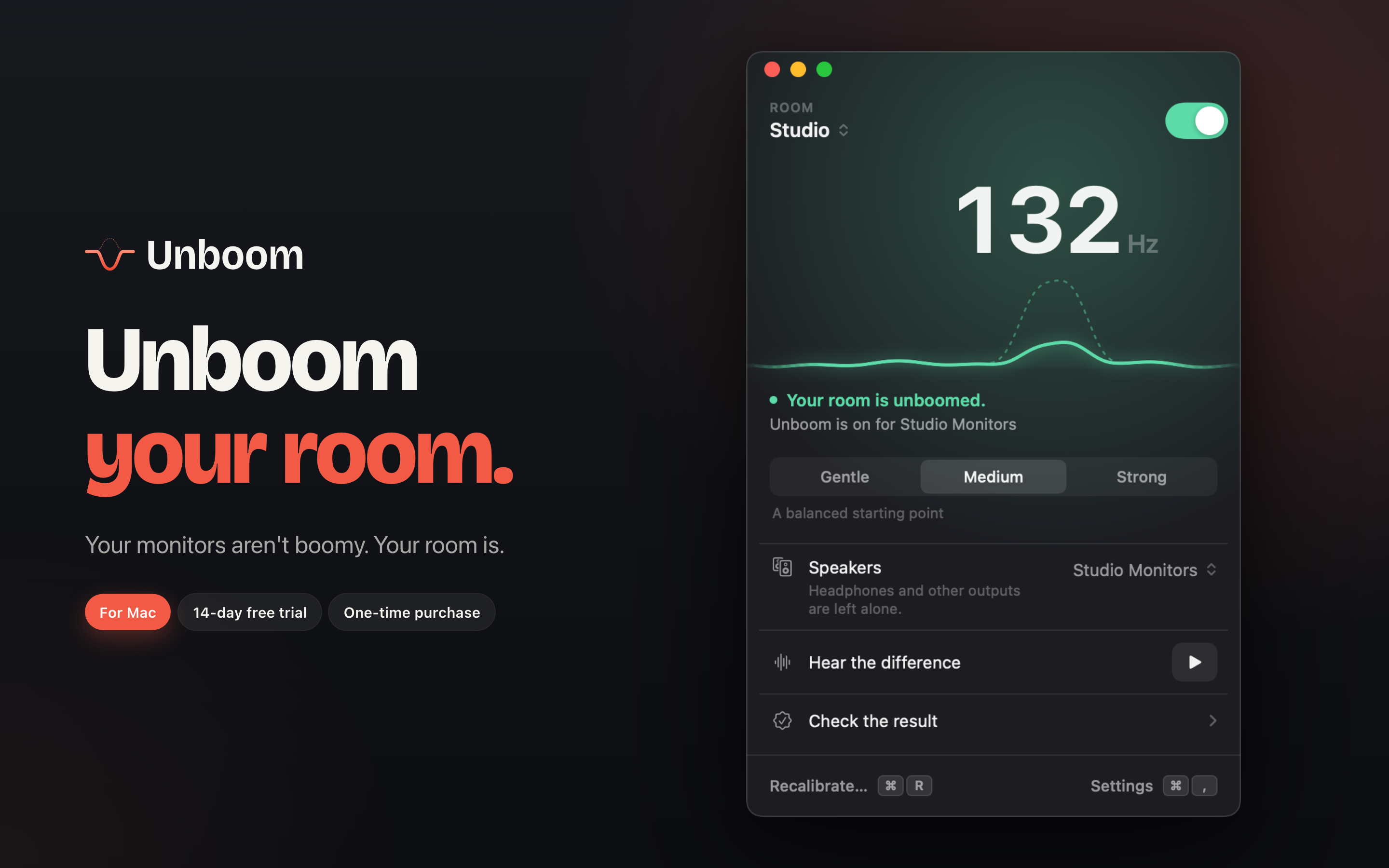
Unboom finds the bass note your room exaggerates and turns just that note down on your Mac or PC.
In one paragraph
Unboom is a Mac and Windows app for people who make or listen to music on speakers in an untreated room. Most rooms make one bass note much louder than the rest, which muddies mixes and makes kick drums boom. Unboom plays a short bass sweep, finds that note with the computer’s microphone or by ear (on a Mac, an iPhone can listen too), and turns just that note down across everything the computer plays. It never boosts. Setup takes about two minutes. Then Unboom lives in the menu bar or the Windows notification area, and on the Mac an Audio Unit plug-in applies the same correction inside DAWs.
Facts
- Developer
- Kadir Yılmaz, independent
- Released
- October 6, 2026. Version 1.1 on October 13, 2026.
- Platform
- macOS 14.2 or later. Windows 10 or later, x64 and ARM.
- Price
- Free download, and room scans are always free. Correcting audio is free for 14 days, then a one-time $29.99 ($19.99 launch price until November 5). No subscription.
- DAW plug-in
- Mac only: Audio Unit (AUv3) for Logic Pro, Ableton Live, FL Studio, REAPER, GarageBand, MainStage, LUNA
- Languages
- English, Turkish
- Privacy
- No data collected, no account. Measurements and audio stay on the computer.
Technical details
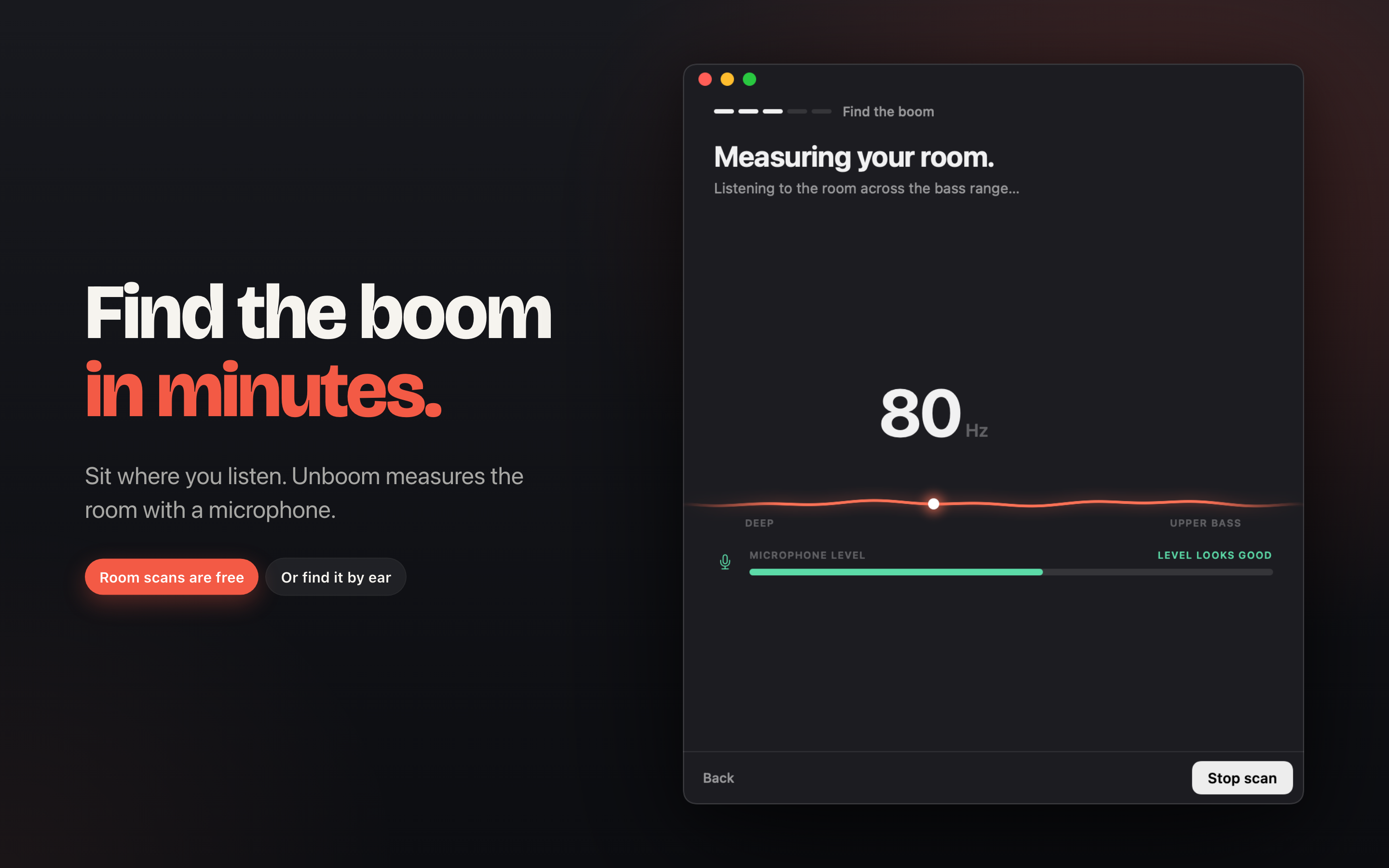
- The scan plays a sine sweep from about 40 to 250 Hz, starting at a moderate level and fading in and out.
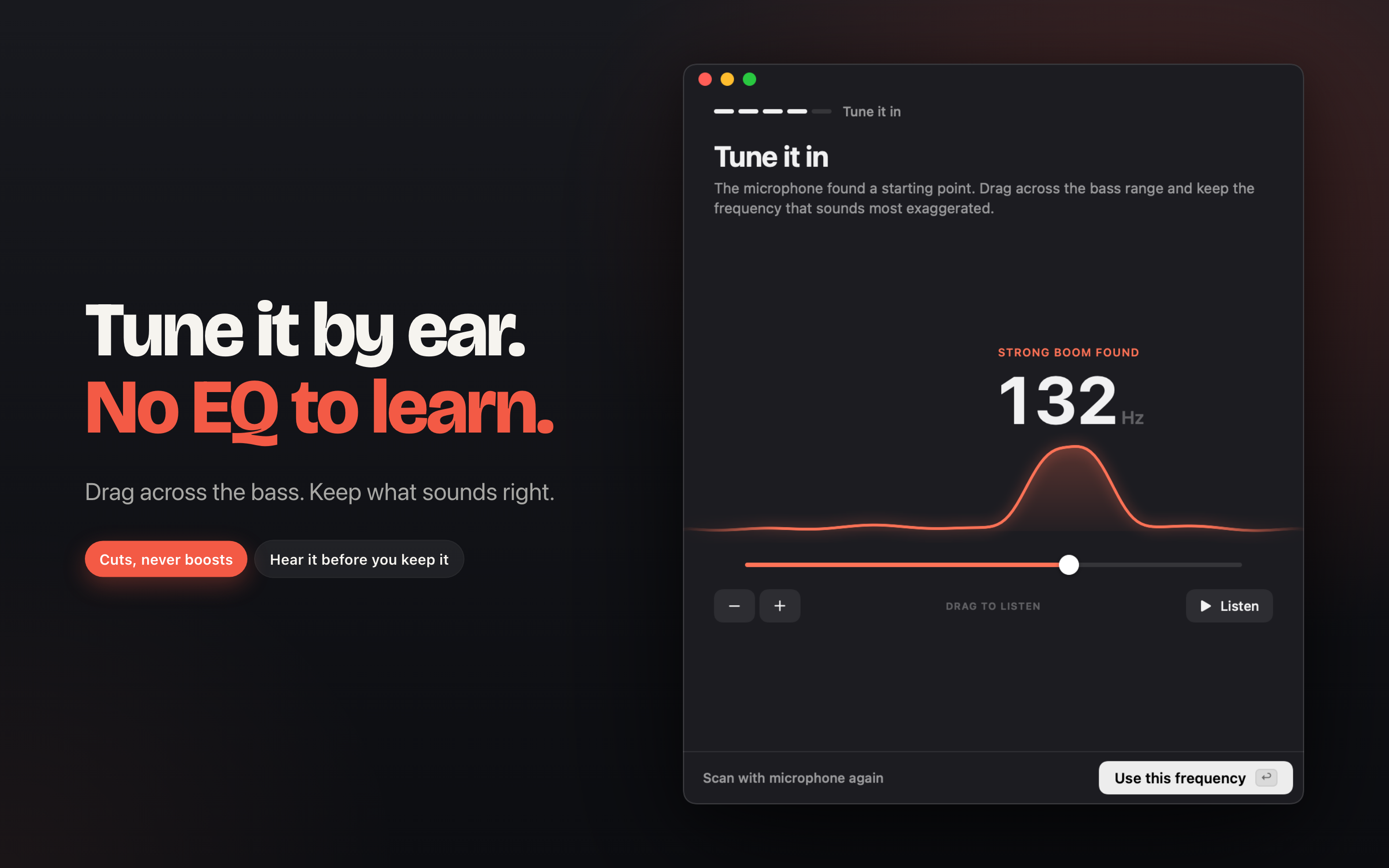
- The resonance is found with the computer’s microphone, an iPhone or iPad at the listening position (Mac), or by ear. A second listening position can be measured and averaged.
- Unboom applies one or two narrow cuts at the resonance, up to 12 dB (Gentle, Medium, Strong). It never boosts, so it leaves nulls alone.
- On Mac, system-wide correction runs through a Core Audio process tap, only on the calibrated speakers. Headphones and other outputs are left alone.
- On Mac, DAWs, DJ apps and video editors play outside the system-wide correction, so they aren’t delayed. The AUv3 plug-in applies the same correction inside them.
- On Windows, the correction is an audio processing object (APO) on the calibrated speakers, inside the Windows audio engine, so it adds no delay and keeps working with the app closed. DAWs using ASIO or exclusive mode bypass it.
Screenshots
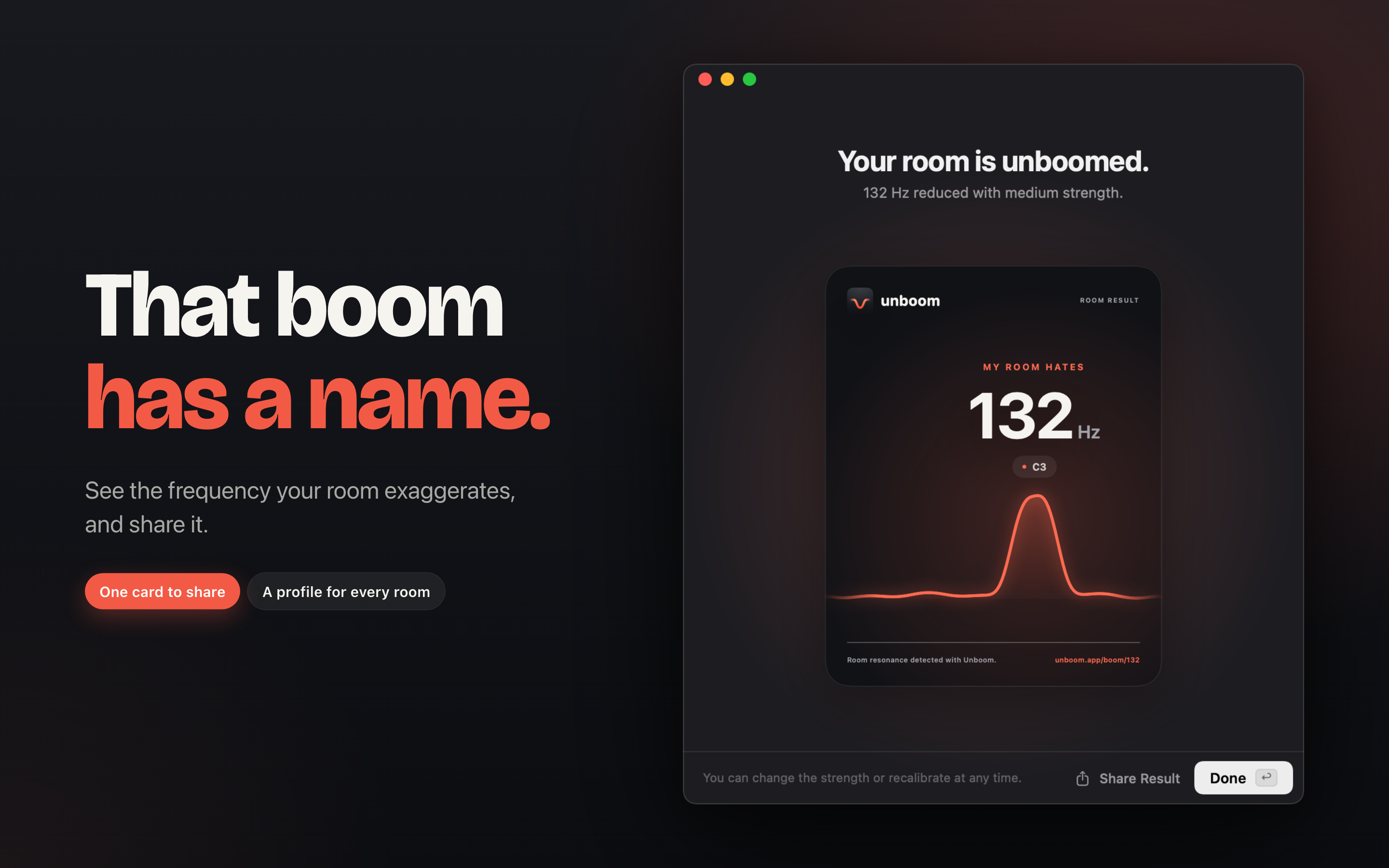
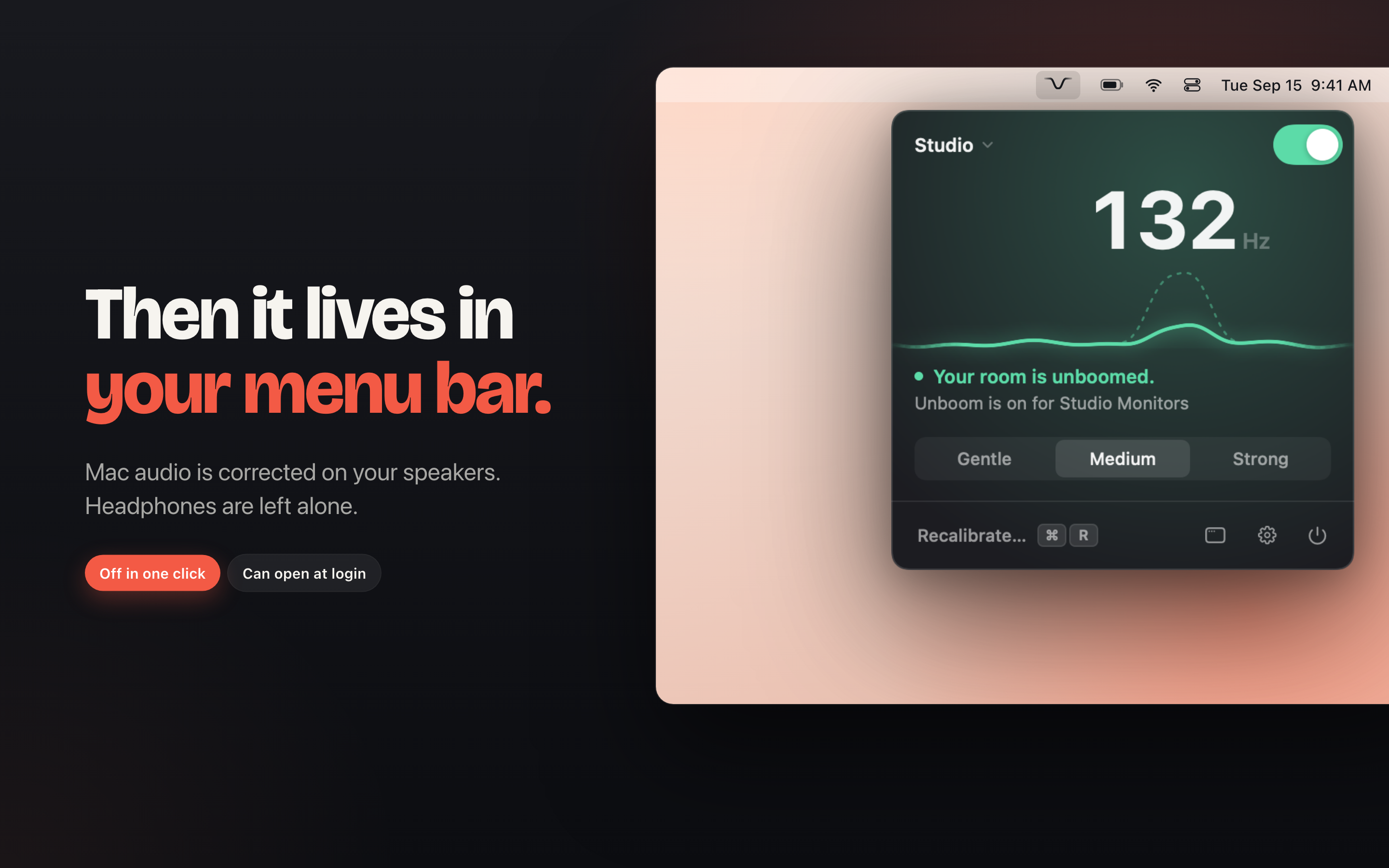
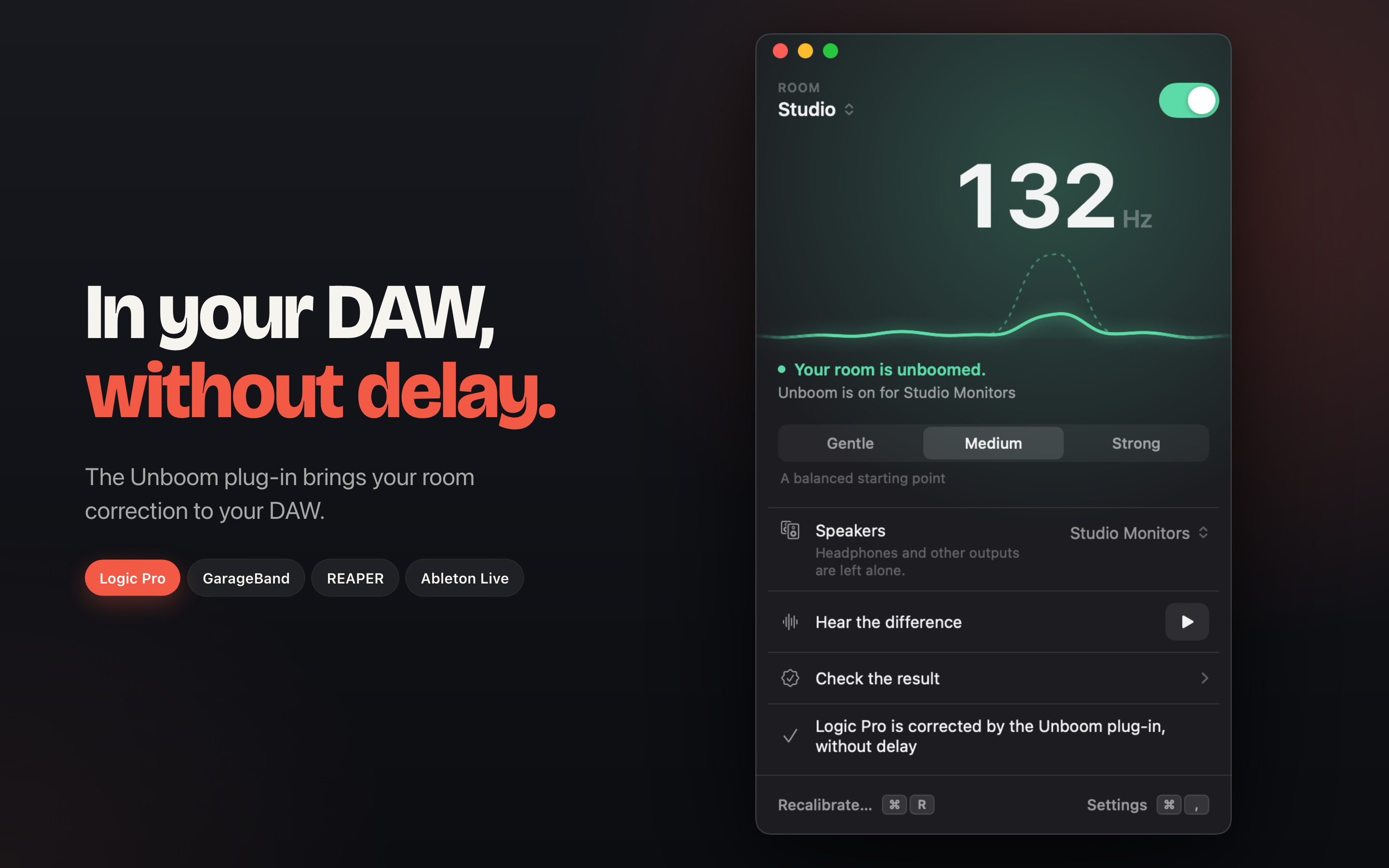
From the Mac App Store, 2880 × 1800. Click one for the full size.
Logos
Please use them as they are. The press kit also has stacked and PNG versions.