 Unboom your room.
Your monitors aren’t boomy.Your room is.
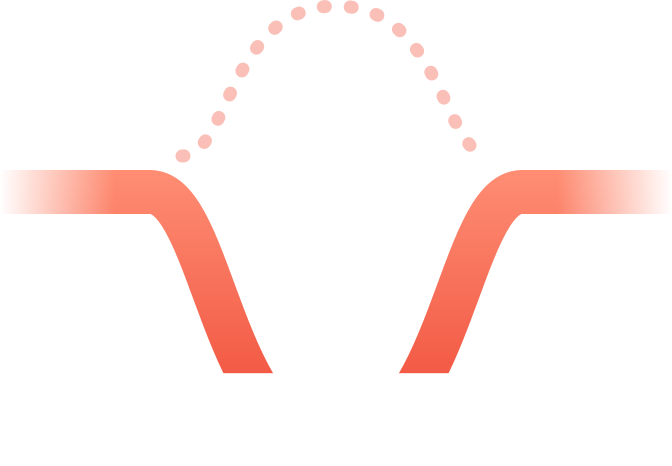
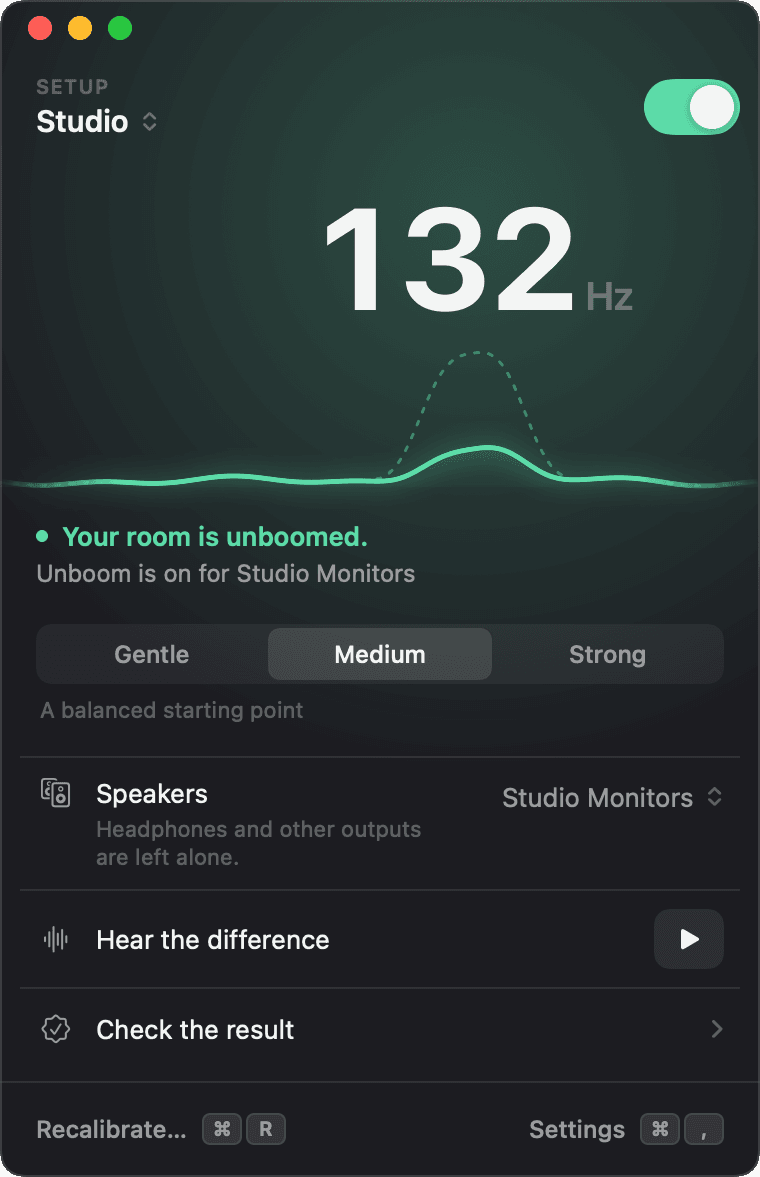
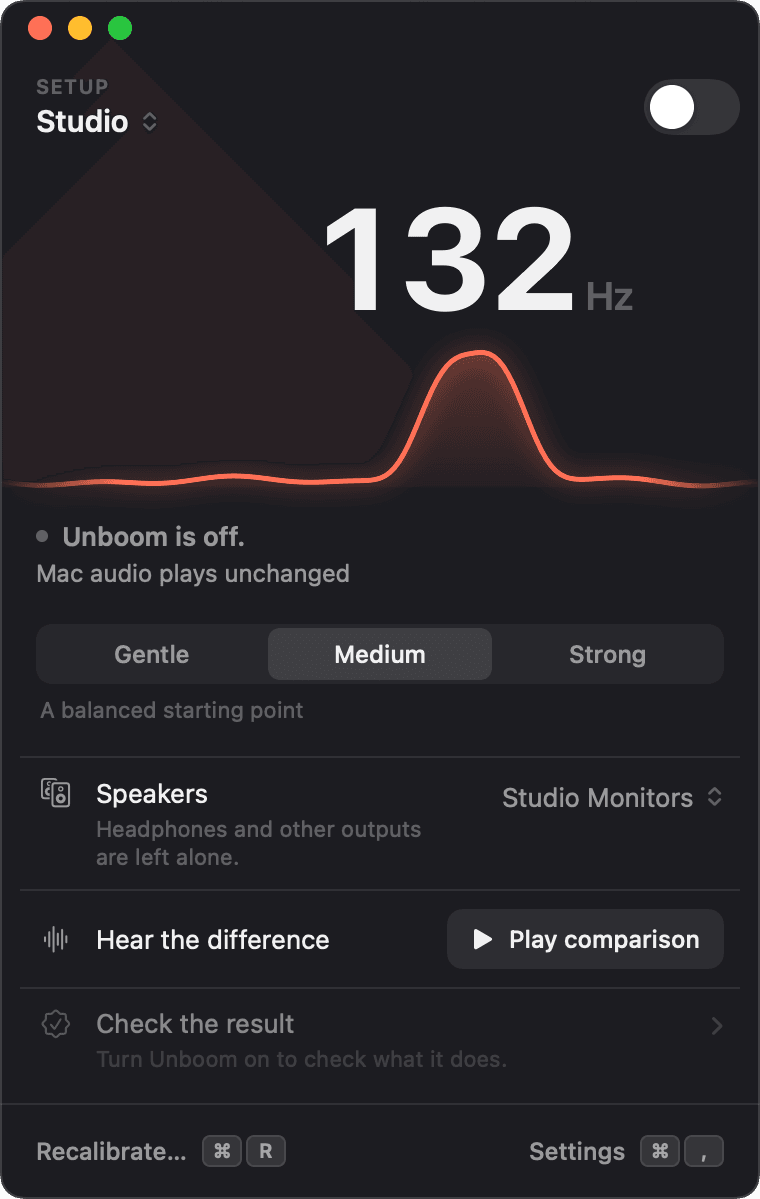
Unboom finds the bass note your room exaggerates and turns just that part down.
Free for 14 days · No subscription · No account
Made for speakers in real rooms.
Producers
Mix bass you can trust.
Logic Pro · Ableton Live · FL Studio
Podcasters
Hear voices, not the room.
REAPER · GarageBand
Listeners
Music and video, minus the boom.
Spotify · Apple Music · YouTube
 ROOM RESULT
MY ROOM HATES
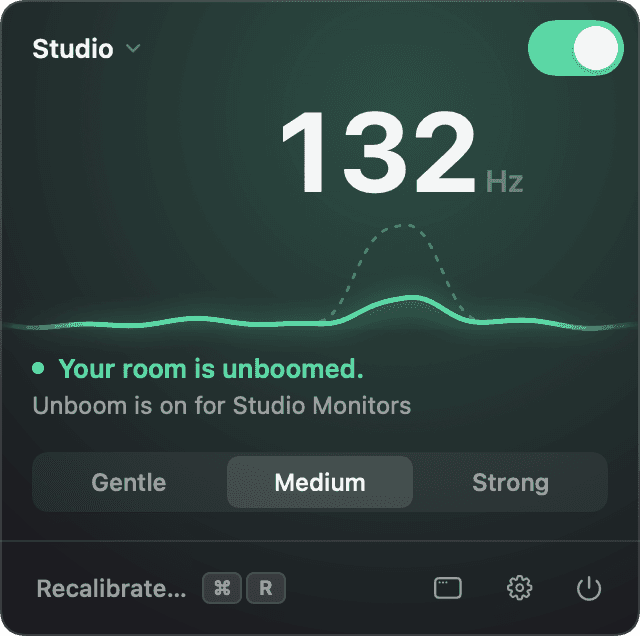
132Hz
C3
Sit. Scan. Flip.
About two minutes. No numbers, no graphs.
Sit where you listen
Speakers at a comfortable level.
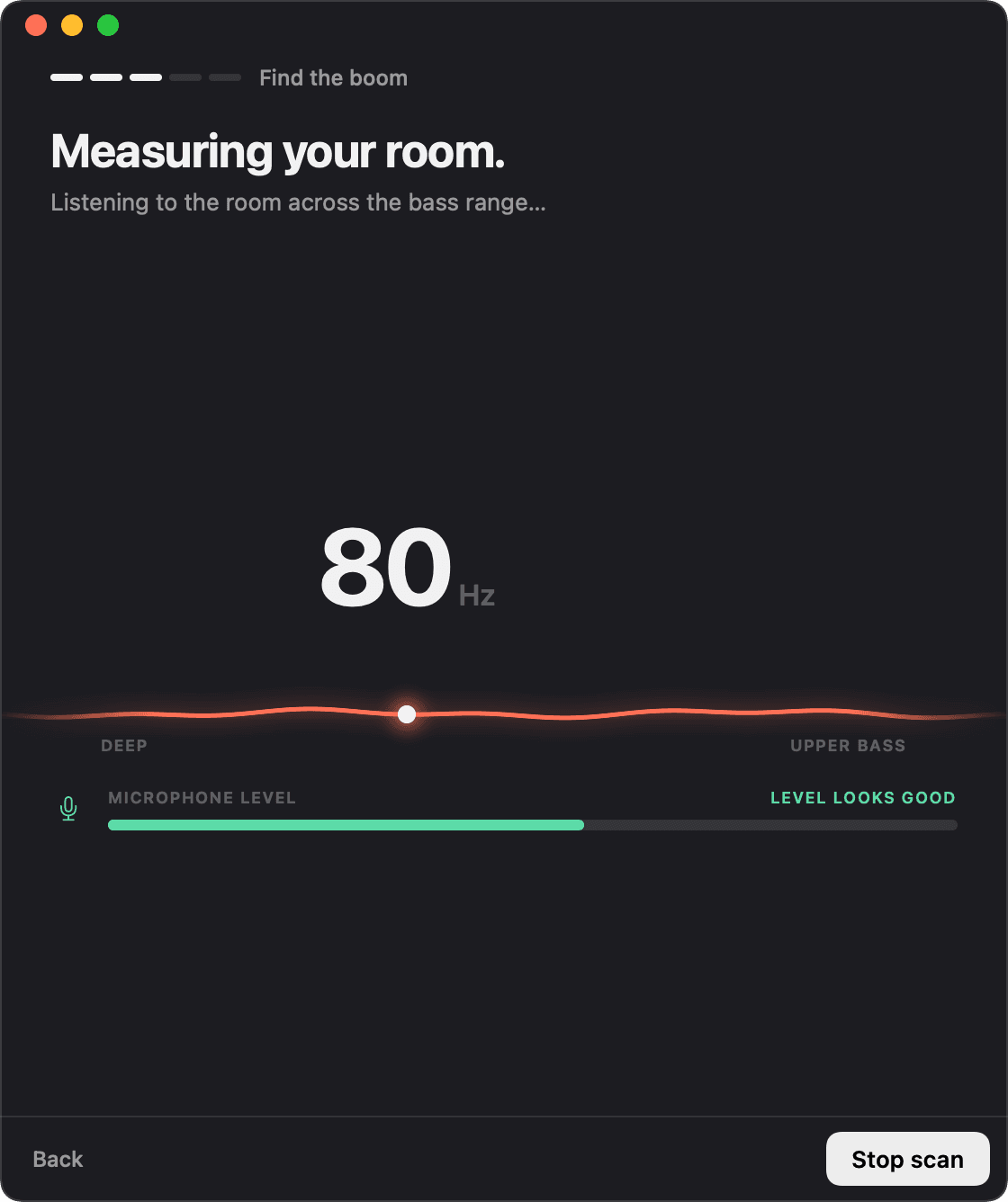
Scan the room
A quiet sweep finds the boom.
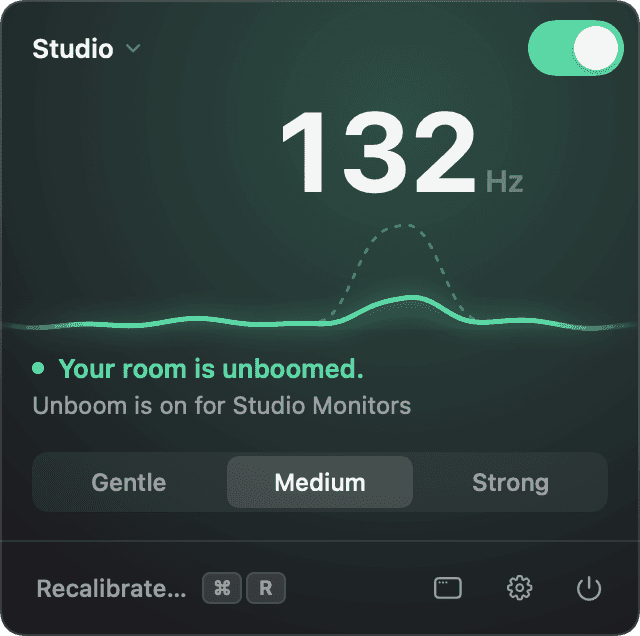
Flip it on
Hear the difference instantly.
A profile for every room.
Each room and its speakers keep their own correction.
- Switch in one click
- Follows your speakers automatically
Then it hides in your menu bar or taskbar.
- Your music and video apps
- Headphones stay untouched
- Starts with your computer
Zero delay in your DAW.
- Unboom shows where to add it
- Same room, same switch
Works in
 Logic Pro
 Ableton Live
 FL Studio
 REAPER
 GarageBand
 MainStage
- LUNA
The plug-in is for Mac. On Windows, DAWs using ASIO play uncorrected.
EQ
Comp
-1.6-6.2
MS
Kick
EQ
Comp
-2.3-9.1
MS
Snare
EQ
-3.8-12.0
MS
Hats
EQ
Saturator
Comp
-1.8-7.2
MS
Bass
EQ
Chorus
-3.3-12.0
MS
Keys
Filter
-4.2-14.4
MS
Pad
Amp
EQ
-3.0-12.0
MS
Guitar
De-esser
Comp
EQ
-1.4-8.2
MS
Lead Vox
EQ
Comp
-3.5-13.0
MS
BG Vox
Reverb
-4.0-15.8
MS
Reverb
Unboom
Limiter
-1.6-5.3
Master
Unboom
132 Hz reduced
Studio
Uses your Unboom room correction, with no added delay. Bypass it while you monitor on headphones.
Open Unboom
Why not just use an EQ?
You could. Here’s what you’d be doing by hand.
| Unboom | An EQ in your DAW | |
|---|---|---|
| Finding the boom | A scan finds it | You hunt by ear |
| Other apps | Your other apps too | Only your DAW |
| Turning it off | One switch, everywhere | In every project |
| New speakers or room | Switches for you | Redo it yourself |
Remove the boom. Don’t fight physics.
Only cuts, never boosts
Quiet, gentle test tones
One switch, and your sound is back
Audio never leaves your computer
Why doesn’t Unboom turn anything up?
Where a bass note goes missing, your room is cancelling it at your seat. Turning it up only works your speakers harder, and the note still doesn’t come back. So Unboom only turns down the notes that boom.
Pay once. Keep it.
- 14 days free
- Room scans always free
- No subscription
- No account
Launch price until November 5
$19.99
Lifetime unlock. Regular price $29.99.
Download for MacmacOS 14.2+Download for WindowsWindows 10+